Reverse engineering Plata
Personal exploration
Banco Plata is the fastest-growing financial institution in Latin America and the largest private digital bank by number of customers. They offer an exceptional banking experience through their mobile app.
Why I did it
I wanted to open the app, explore it and understand how it works. But you can only create an account with a Mexican or Colombian phone number, so I couldn't get past sign-up.
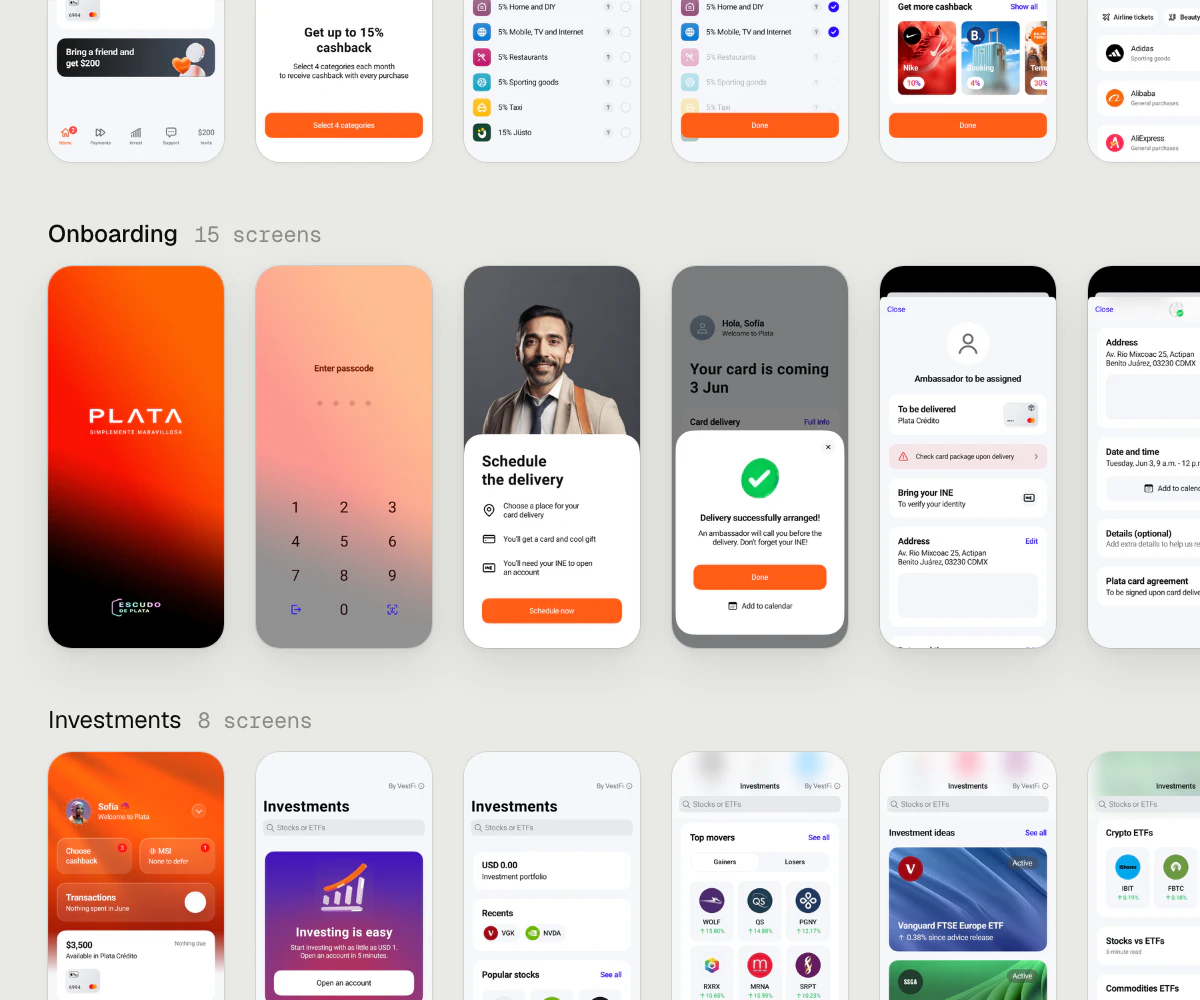
While looking for a way around it, I found that someone had kindly uploaded 123 screenshots of the app to Mobbin, grouped into 35 flows. That gave me a plan: reverse engineer the app from those screenshots.
Rebuilding in Figma
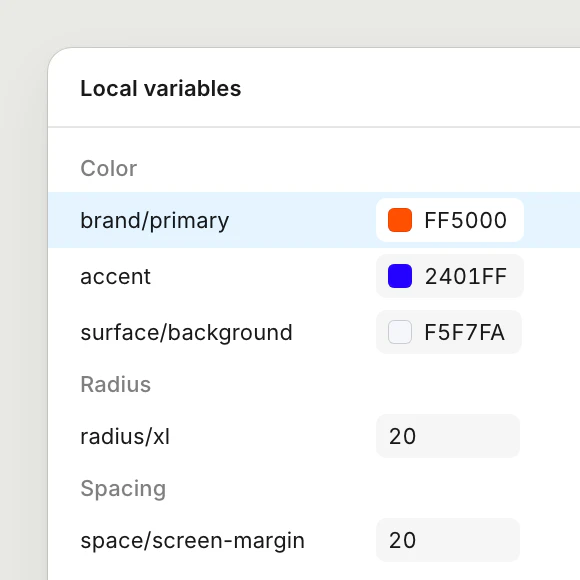
I asked an agent to download all the screenshots and group them by flow in a new Figma file, then extract Plata's design system from them. A screenshot has no layers, so every colour, size and spacing value had to be measured from pixels. It did that really well.
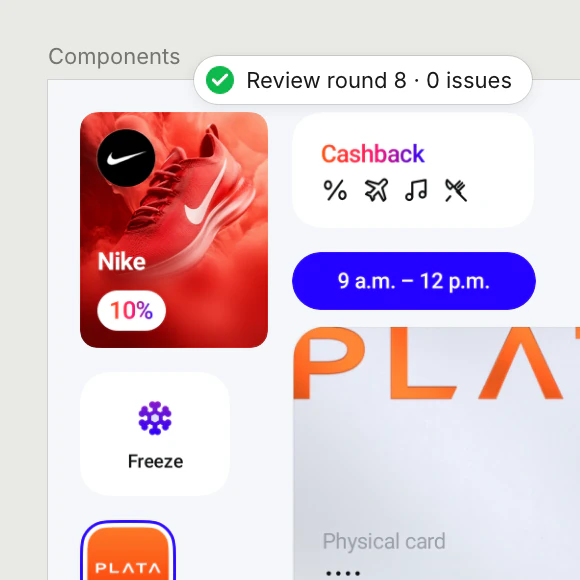
For the components, I set up three agents with separate jobs: one planned what the design system needed, one built it, and one only reviewed, comparing every component to the screenshots until nothing was left to fix. That took eight rounds and produced 73 components, which were then used to rebuild all 123 screens.
Rebuilding in Compose
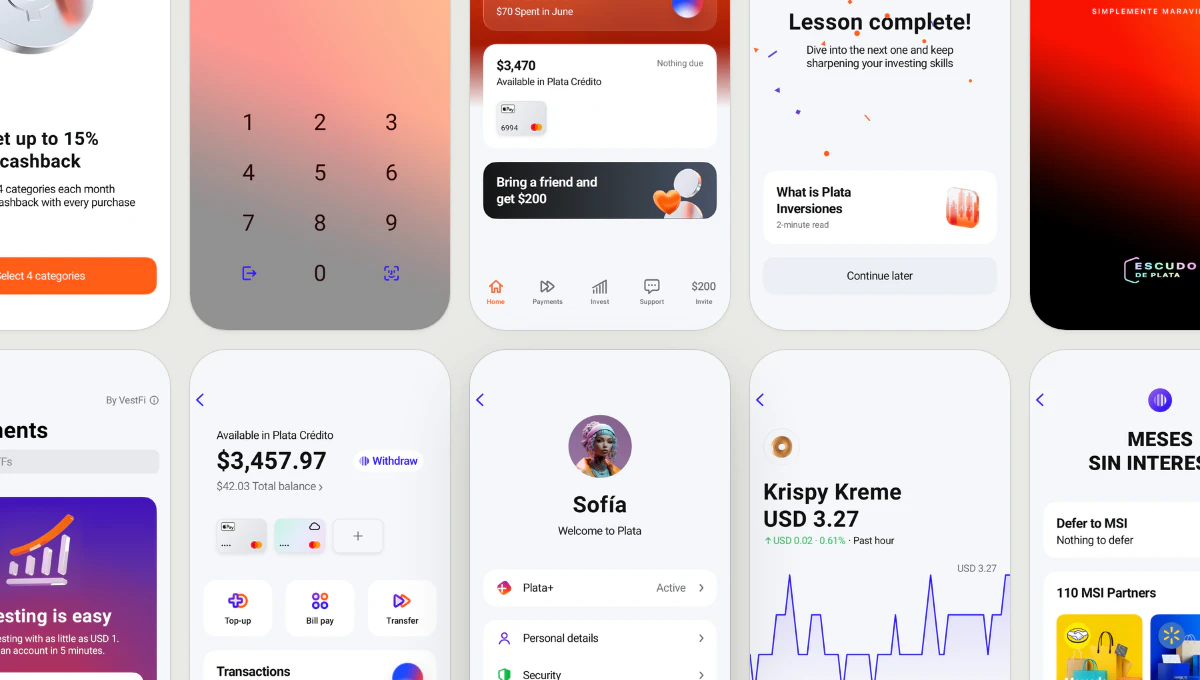
Then I rebuilt it again in Compose Multiplatform, so it would run on Android and iOS. Same order, same review loop, and every screen laid over its original screenshot to catch drift.
A screen that matches a screenshot doesn't feel right in your hand. Most of my time went here.
So I tuned how it moves, to feel like a native app. Fixed easing curves became springs that carry the speed of your gesture, going back follows your finger, any transition can be interrupted mid-way, and buttons press in under your finger, like real buttons do.
To tune all of this, I ported DialKit to Compose: a drawer of live controls that opens over any screen. I could adjust springs, timings, colours and other values right on the phone, then copy them to the agent.
Experimenting with visualizations
Once the app worked, I used it as a place to try things.
A live chart. The investments screen had a static chart image. I replaced it with a live chart drawn in code, with time ranges, a loading state, a crosshair you can drag and haptics.
An App Store–style card that expands into a full article and closes back into place. It failed several times before it worked. What fixed it was slowing down: getting one small part right at a time, and tuning spring values on the phone with live sliders instead of guessing in code.
3D icons. I built a Blender pipeline that turns any SVG icon into a silver 3D one in Plata's style, and made a set of animated state icons. To keep them lightweight in the app, I tried reverse engineering Airbnb's Lava format: it stores one full frame and a sheet of small tiles, then redraws only the tiles that change. I expected files much smaller than video. But a 3D icon spins and catches light, so almost every tile changes on every frame. The file came out only slightly smaller than the same animation as an animated WebP, and it took more memory once decoded. So I went back to plain animated WebP.
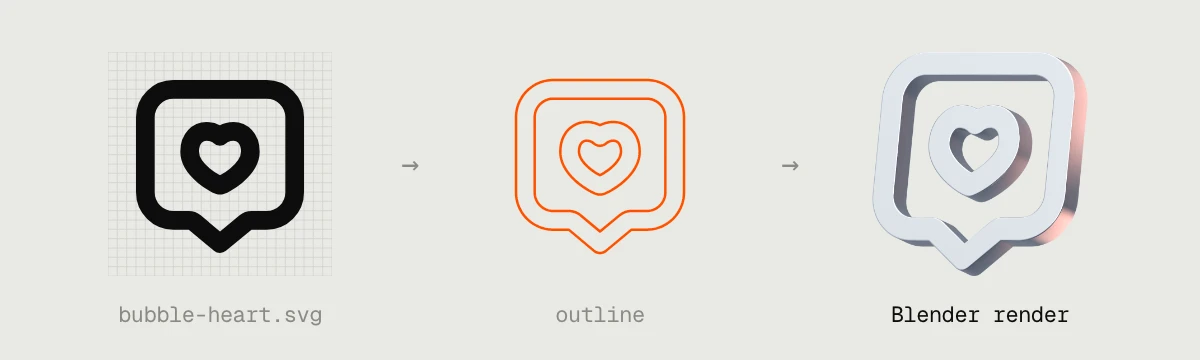
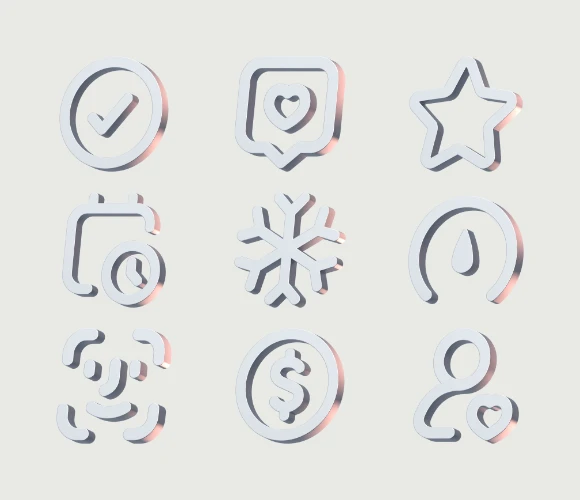
plata-3d-icon
A skill for turning any SVG icon into a silver 3D icon in Blender, with an optional badge and animation.
Packaging. I also modelled the card and its packaging in Blender and cut a short unboxing film.
Interactive demo
The rebuilt app also runs in the browser. Try it here, or open it in a new tab.
Source code
Notes
Plata was the subject, but most of my time went into learning what AI agents can do: which tasks they handle well on their own, where they need a second agent to check them, and when I had to slow down and steer.